Compare
Scripting vs Buying a Tool to Manage Google Workspace Users From Hire to Offboard

Updated: Nov 23, 2026
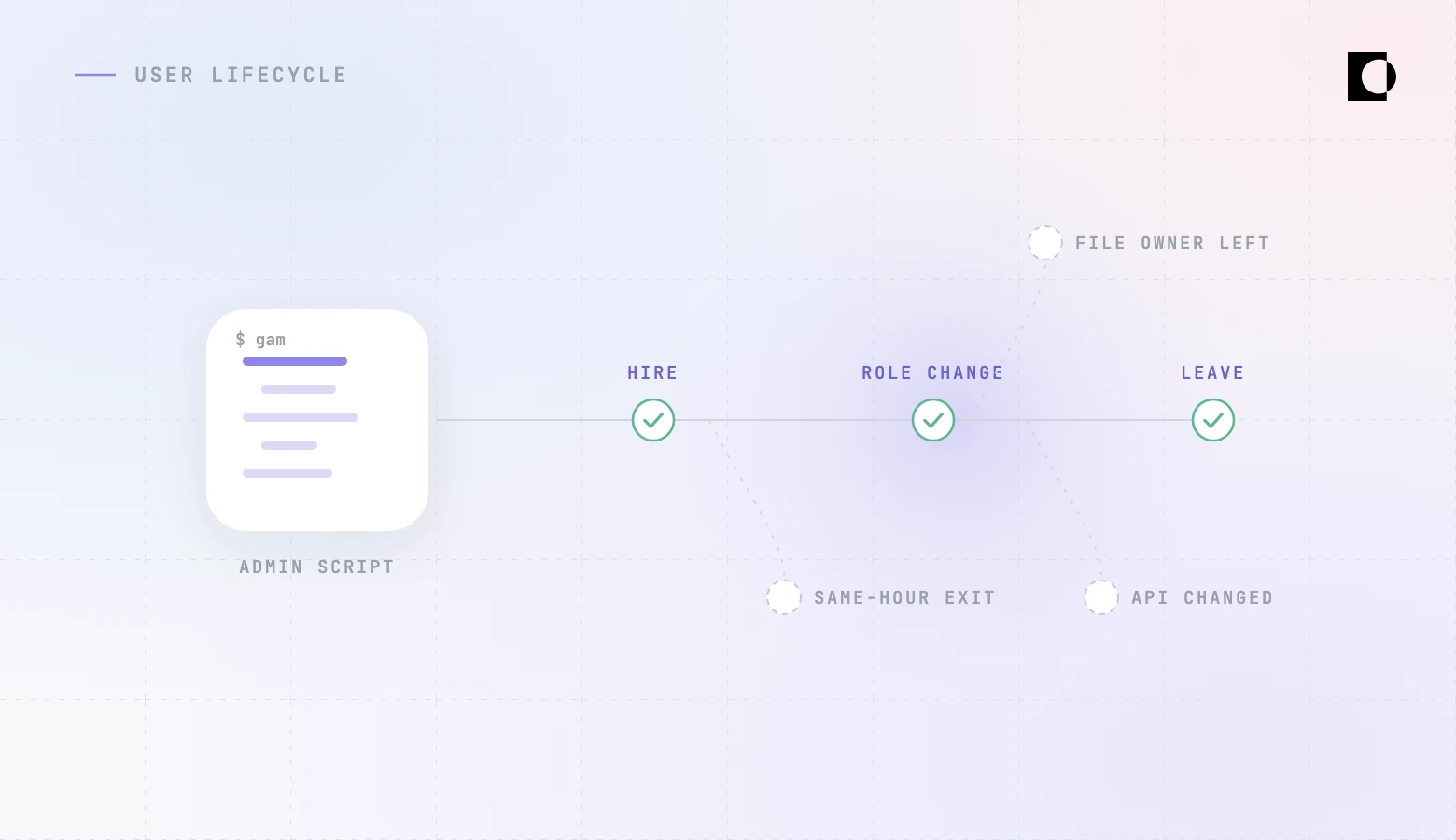
Scripting your Google Workspace user management works when the company is small, the org chart rarely changes and one engineer will own the code for the long term. Buying a tool makes sense once access depends on HR data, reaches apps beyond Google or needs an audit trail that someone other than the script author can read. ShiftControl's founders scaled IT at ExpressVPN. One pattern comes up often: scripts handle new hires well, handle departures partially and miss the role changes in between. The real decision comes down to who maintains the automation after its author leaves.
TL;DR
- GAM and Apps Script cost nothing to run and are excellent for bulk, one-off jobs. Upkeep is the hidden cost.
- Movers (people changing role, team or location) are where homegrown automation drifts first. Scripts fire on events, but access has to match each person’s current state.
- Offboarding needs more than a Google Workspace user suspension. It also needs Drive transfer, OAuth revocation, license cleanup and coverage of non-Google apps.
- Buy when you need HRIS triggers, audit evidence for SOC 2 or ISO reviews or coverage beyond Google.
- A hybrid often works best: let a tool run the lifecycle and script the edge cases through an API.
About the Author: This guide comes from the ShiftControl team.
What does Google Workspace user management from hire to offboard involve?
The scripting-versus-buying decision depends on the scope of the job, so start there. User lifecycle management is the process of creating, changing and removing a person’s access as they join, move within and leave a company. It is also called the joiner mover leaver process.
| Stage | Inside Google Workspace | Beyond Google |
|---|---|---|
| Joiner | Create account, assign org unit, add groups, enforce MFA | Create accounts in Slack, CRM, design tools |
| Mover | Swap groups, update title, manager, location | Grant new team apps, remove old ones |
| Leaver | Suspend, transfer Drive and Calendar data, remove groups | Revoke app accounts, rotate shared credentials |
Google Workspace includes native user and group management and automatic provisioning to some supported third-party apps. Cross-platform lifecycle automation and approval workflows usually come from third-party tools.
What can scripting with GAM and Apps Script handle well?
Given that scope, scripting is the natural first move for technical teams. GAM is a free, open-source command-line tool that calls Google’s Admin SDK. Apps Script runs JavaScript against Workspace services. With GAM, a Google Workspace admin can:
- Bulk-create users from a CSV
- Add or remove group memberships at scale
- Suspend accounts and transfer Google Drive ownership to a manager
- Report on 2-Step Verification enrollment or third-party OAuth tokens
A small startup with a founding engineer who enjoys this work can run onboarding on GAM for a long time without spending anything.
Where do homegrown scripts break down?
The problems start when the company changes faster than the code does. A script works like a light switch: it does one thing at the moment someone flips it. Access management needs to work like a thermostat, which keeps comparing the desired state (“this person is in Sales, in Singapore”) against the actual state and corrects any gap.
Here is how that plays out. A sales rep moves to marketing. The joiner script never runs again, so the rep keeps the Sales groups and gets none of the Marketing ones until someone remembers to fix it.
Common failure points:
- Movers fall through. A role change produces no event for the script to catch.
- Failures go unnoticed. Expired credentials or API changes write errors to a log nobody reads.
- One person holds the knowledge. When the script author leaves, their own offboarding has to include handing over the automation.
- Nothing triggers the run. Without an HR signal, someone has to remember to execute it.
- The audit trail is thin. SOC 2’s logical-access criteria and ISO 27001’s access-review controls both expect evidence of who had access and when.
What does user provisioning software add that a script does not?
User provisioning software turns the lifecycle into rules tied to a source of truth, usually the HRIS. Access then follows the data instead of someone’s memory.
| Factor | Scripts | Provisioning tool |
|---|---|---|
| Cost | Free tooling, paid in engineer time | Per-user subscription |
| Trigger | Manual run or cron job | Hire date, role change, termination in HRIS |
| Movers | Custom logic per case | Rules by department, location, role |
| Non-Google apps | Separate API work per app | Integrations plus tasks for app owners |
| Audit trail | Whatever you chose to log | Logged changes with who made them |
| Maintainer | Script author | Vendor |
The category is broad. Okta focuses on identity and access management with lifecycle provisioning. BetterCloud automates SaaS operations such as onboarding, offboarding and access reviews. Rippling bundles IT with HR and finance.
ShiftControl is purpose-built for Google Workspace and built for operators, not IT teams. Setup takes about 30 minutes through a single Google Workspace login. It updates groups on the next HR sync when a department or location changes, and suspends the Google account on the termination date when your HR system sends one. Every non-Google app becomes a task for its owner.
How should a team without IT decide between scripting and buying?
With the comparison above in mind, the deciding factor is who would own the scripts.
Keep scripting if all of these are true:
- An engineer owns the scripts and has time for upkeep
- Few apps operate beyond Google and the org structure is stable
- No SOC 2 or ISO review is coming up
Buy if any of these are true:
- People, finance or ops staff run IT
- Role changes happen often
- Customers send you security questionnaires
- One person is the only one who understands the scripts
The two approaches can coexist. ShiftControl exposes an API with an OpenAPI spec, so engineers can still script unusual jobs while rules handle routine joiner, mover and leaver work.
What belongs on an employee offboarding checklist?
Whichever route you choose, offboarding is where gaps cost the most, so write the steps down:
- Suspend the Google account on the last day to block sign-in.
- Transfer Google Drive ownership and Calendar data to the manager.
- Remove the person from groups and shared drives.
- Revoke third-party OAuth tokens they granted.
- Close accounts in non-Google apps. Suspending the Google account does not remove accounts inside third-party apps.
- Rotate shared credentials stored in your password manager.
- Decide whether to delete or archive, because a suspended account can still hold a paid license.
- Record who did each step and when.
Frequently Asked Questions
Is GAM safe to use?
GAM is widely used, but it stores admin-level credentials on a machine. Protect that machine as carefully as you protect a Super Admin account.
Does suspending a Google Workspace user cut access to every app?
No. Accounts created with a password in third-party apps stay active until someone closes them.
How do I transfer Google Drive ownership when someone leaves?
Use the Admin console’s data transfer tool or GAM.
What is the joiner mover leaver process?
It is the framework for granting, adjusting and removing access as people join, change roles and leave.
How does tool pricing compare with scripting?
Scripts are free but cost engineer time. ShiftControl publishes its pricing: plans start at $8 per user per month, billed annually. A separate startup tier costs $2 per user per month, billed annually, locked for the first year, for companies under 5 years old with 30 people or less.
Do I need an IT hire to use provisioning software?
Not with ShiftControl. It is designed for founders, COOs and people teams, and requires no dedicated IT team.
About ShiftControl
ShiftControl is a SaaS management platform made for Google Workspace. It gives growing companies the control a large enterprise has, without the complexity or cost. It brings provisioning and access, SaaS spend, app permissions and cyber incident response (IR-1, via Blackpanda, included on annual Core and Enterprise plans) into one place. ShiftControl is SOC 2 Type 2 compliant, ISO 27001 certified and signed the CISA Secure by Design Pledge in 2024.
If your scripts are starting to feel like a liability, see how ShiftControl handles the full user lifecycle at shiftcontrol.io.
Get started
Experience SaaS management as it should be: straightforward management and robust security with ShiftControl.
Start free trial