Playbook
What to Keep Running During a SOC 2 Observation Window Without an IT Team

Updated: Nov 20, 2026
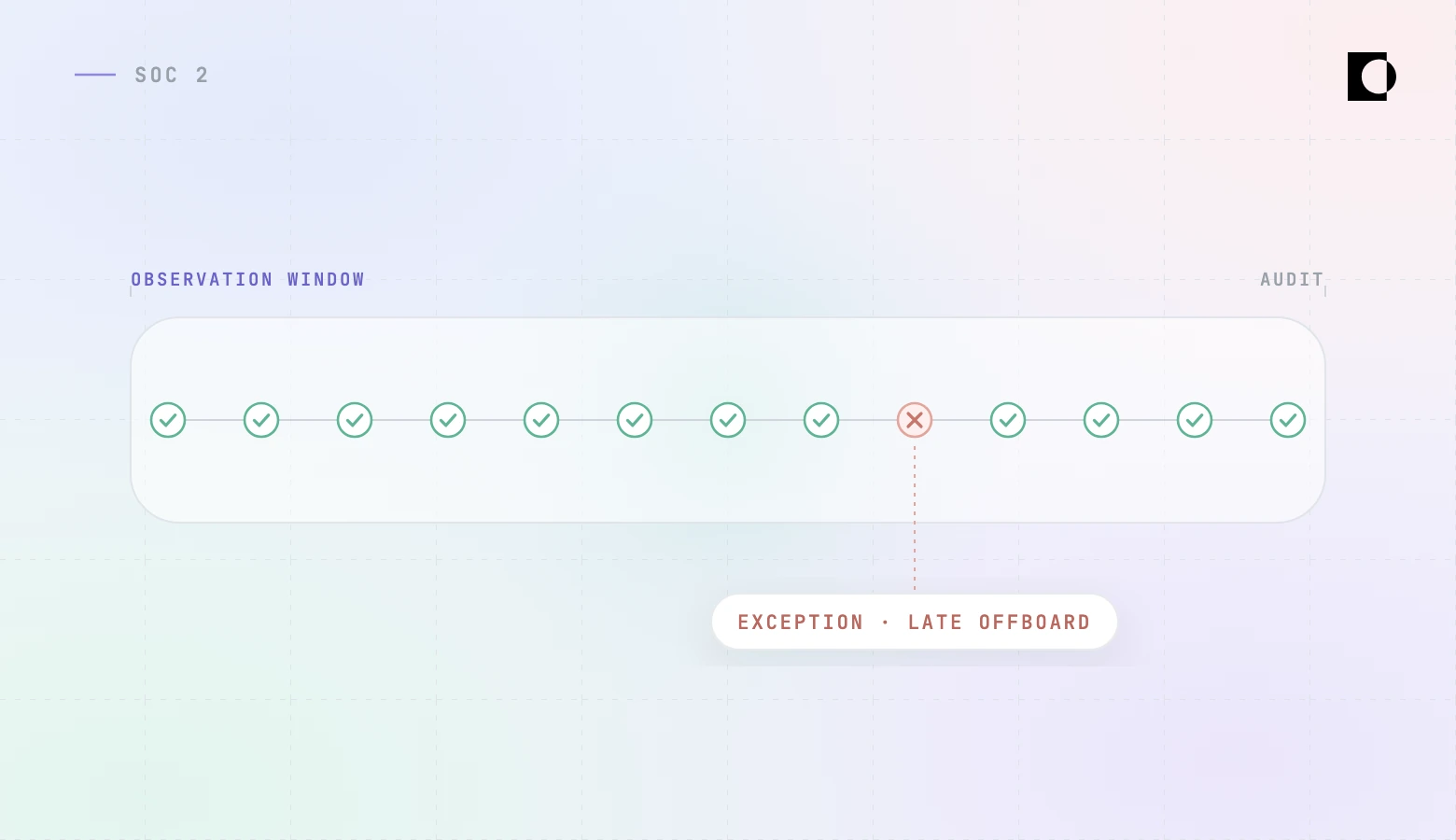
During a SOC 2 Type II observation window, you keep your business running normally. Every day, you also keep your access controls, change approvals, logging, and security checks working exactly as your policies describe, and you collect proof that they did. Lean teams most often slip when a recurring task depends on someone remembering it: removing a leaver's access, cleaning up after a role change, or reviewing an app someone connected to Google Workspace. ShiftControl's founders ran IT at ExpressVPN through rapid growth across global offices, and those gaps are where operator-led companies most often slip.
TL;DR
- The window tests whether controls operate consistently over time. One missed offboarding becomes a dated exception in your report.
- You can keep shipping changes during the window, provided each one follows your own documented approval process.
- Without IT staff, the controls most likely to break are access removal, role-change cleanup, shared admin accounts, and unreviewed third-party apps.
- Collect evidence as you go. Rebuilding it at audit time is where small teams lose the most time.
- Link access to events in your HR system so the control runs even when nobody remembers it.
About the Author: This guide comes from the ShiftControl team. They are operators who ran IT through rapid growth at ExpressVPN and now build software made for Google Workspace, so companies without an IT hire can run the access and security controls that SOC 2 auditors test.
What is a SOC 2 observation window, and what does it test?
An observation window is the period in which a SOC 2 Type II auditor tests whether your controls actually worked. It is also when operator-led companies move from writing policies to following them every day.
- Length: The AICPA sets no strict minimum. Common industry practice ranges from a few months to a year.
- Type I vs Type II: Type I checks how controls are designed at a single point in time. Type II checks how they operate across the whole window. Neither type restricts how you run the business.
- How testing works: Auditors usually draw samples from the full set of events in the window, such as all leavers, all access changes, and all production changes. Any event can be the one they pick.
This sampling is why consistency matters more than effort. Strong performance in month one cannot make up for a missed offboarding in month four.
Which SOC 2 controls must keep running every day?
Since any event can be sampled, the controls below have to work every day of the window. Treat this table as a working SOC 2 controls list and SOC 2 compliance checklist.
| Control area | What auditors look for | How it breaks without IT staff |
|---|---|---|
| Offboarding | Access removed promptly after termination | SaaS accounts stay active while the founder is busy |
| Role changes | Old access revoked when someone moves teams | Access gets added and never removed |
| Admin accounts | Named individuals, no shared admin logins | One shared admin login passed around the team |
| Change management (CC8.1) | Changes authorized, tested, and approved before deployment | A hotfix ships with no approval record |
| Logging and monitoring (CC7.2) | Continuous logs of admin activity, anomalies, and security events | Logs exist but nobody reviews them |
| MFA | Enforced for every account | A new hire skipped enrollment |
| Third-party app access | Approved apps with reviewed permissions | An employee grants an app access to company mail |
| Availability | You meet your own stated commitments and SLAs | You promised something no one monitors |
SOC 2 sets no minimum uptime percentage. Auditors hold you to whatever you have committed to, so promise only what you can show.
Why do offboarding and role changes break first?
Of all the rows in that table, the access rows fail most often, because they depend on human memory.
Think of a hotel key card. It stops working at checkout because the expiry date is written onto the card when it is issued. Nobody at the front desk has to remember to turn it off. Access removal works the same way. When it is triggered by the termination date in your HRIS, it happens on time. When it waits for someone to notice, it happens late.
Role changes are harder to catch:
- People ask for new access. Nobody asks to lose old access.
- Auditors treat old access that was never revoked after a move as a high-risk finding, alongside late de-provisioning and shared admin accounts.
- The fix is rule-based access. Group membership follows department or role, so when someone moves, the old groups drop off automatically.
How does shadow IT discovery fit into SOC 2 audit preparation?
A second category of risk sits outside your HR records: apps employees connect on their own. Each time someone clicks “Sign in with Google” and grants an app access to their mail or files, a new vendor holds company data, often without anyone reviewing it.
Shadow IT discovery is the regular habit of listing those connections and deciding what happens to each one. For good Google Workspace compliance hygiene:
- List every app authorized through Google, how many people use it, and what data it can read.
- Flag any grant that reaches mail, files, or calendars.
- For each app, decide to manage it, accept it, or block it, and record the reason.
- Repeat this monthly during the window. A one-off cleanup does not show that the control operated over time.
What evidence should you collect while the window is open?
Discovery and access controls only count in an audit if you can prove they ran. Under CC7.2 and CC8.1, you need continuous logs and documented approvals. In practice, that means:
- Attributable logs: Every access change records who or what made it.
- Approvals with timestamps before the change: An approval dated after a change suggests the control was bypassed.
- Monthly exports: Save access reports and review notes on a fixed schedule, so you are not reconstructing months of history from memory.
- Exceptions written down when they happen: A late offboarding with a clear explanation and fix is far easier to defend than one the auditor finds first.
How can an operator run all of this without an IT hire?
A founder or COO can run these controls with a simple routine:
- Daily (automated): HRIS-driven onboarding and offboarding, with MFA enforced.
- Weekly: Review pending access requests and any newly discovered apps.
- Monthly: Run a Workspace security scan, review admin accounts, and export evidence.
- Quarterly: Complete a full access review, signed off by app owners.
This is the work ShiftControl was built for, operated by operators rather than IT teams. It covers four jobs in one platform:
- Provisioning and access
- SaaS spend management
- App-permission visibility
- Incident response
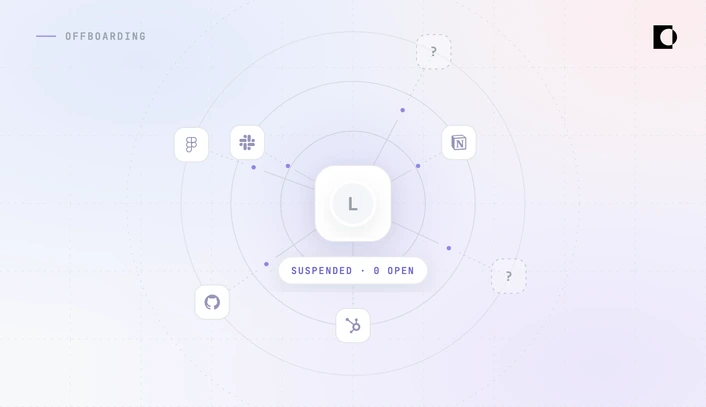
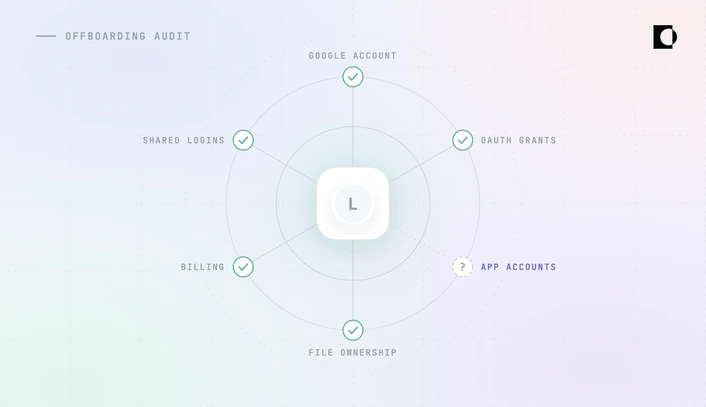
When a termination date lands in the HRIS, ShiftControl suspends the Google account, groups and apps included. Every other app becomes a task assigned to its owner. Access requests go to the manager, then the app owner, then the default admin, and each step is logged. A read-only auditor role and CSV, Excel, or JSON exports cover evidence, which you can also send to Vanta or CompAI. One limit to plan around: ShiftControl’s audit history records changes made through ShiftControl, so keep Google’s own logs as part of your evidence set.
“In minutes I’m able to create all the rules and groups we need to make sure our employees have access to everything they need.” Ed Bosher, CTO, Arena Entertainment
How does the observation window affect SOC 2 audit cost?
Consistent operations also keep costs down. SOC 2 audit cost varies by firm, scope, and window length, so get current quotes directly from auditors. What you control is the work around the fee: exceptions lead to extra explanation, remediation, and sometimes a qualified opinion.
For SOC 2 for startups, a common path looks like this:
- Run a SOC 2 readiness assessment.
- Fix the gaps it finds.
- Consider a Type I report.
- Start the Type II window only once your controls run reliably.
Frequently Asked Questions
Can we make system changes during the observation window? Yes. Each change just needs to follow your documented approval process.
Does SOC 2 require a minimum uptime? No. Auditors test against your own availability commitments and SLAs.
What happens if we miss a control? The auditor records an exception. Document the cause and the fix right away, because how you respond affects how the exception reads in your report.
Do we need an IT team to pass SOC 2? No. You need controls that run reliably and evidence that they did. Automation and a clear routine can replace a dedicated hire.
Is Google Admin Console enough for SOC 2 audit preparation? It covers Google accounts and settings well. Most audit scopes also include non-Google SaaS, where you need records of who approved access and when it was removed.
Does ShiftControl make us SOC 2 compliant? No tool can do that. Your auditor assesses your controls. ShiftControl supports those controls and the evidence behind them. ShiftControl itself is SOC 2 compliant.
About ShiftControl
ShiftControl is an IT operations platform made for Google Workspace and built for operators, not IT teams. It gives growing companies the access control a large enterprise has, without the complexity, cost, or an IT hire. Setup takes about 30 minutes via a single Google Workspace login, and cyber incident response (IR-1, via Blackpanda) is included on annual Core and Enterprise plans. ShiftControl is SOC 2 compliant, ISO-aligned, and a signer of the CISA Secure by Design Pledge. It publishes its pricing openly, with a standard per-user price and a separate discounted startup tier.
If your observation window is coming up and you want to see your access, app permissions, and evidence in one place, start at https://shiftcontrol.io/.
Get started
Experience SaaS management as it should be: straightforward management and robust security with ShiftControl.
Start free trial