Playbook
The Post-Exit Audit That Shows Whether All Access Was Removed After Offboarding

Updated: Nov 23, 2026
A post-exit audit is a scheduled check, run after an employee's last day, that compares everything the person could reach against what was actually revoked and keeps the evidence. Offboarding removes access, and the audit confirms the removal worked. At ShiftControl, a SaaS management platform made for Google Workspace and built for operators, not IT teams, we see a recurring gap. The Google account is suspended on time, but app accounts, OAuth grants and paid seats outlive the departure. The post-exit audit catches that gap before an auditor or an attacker finds it.
TL;DR
- An employee offboarding checklist records what you did. A post-exit audit checks the result against independent records such as Google Workspace audit logs and app admin panels.
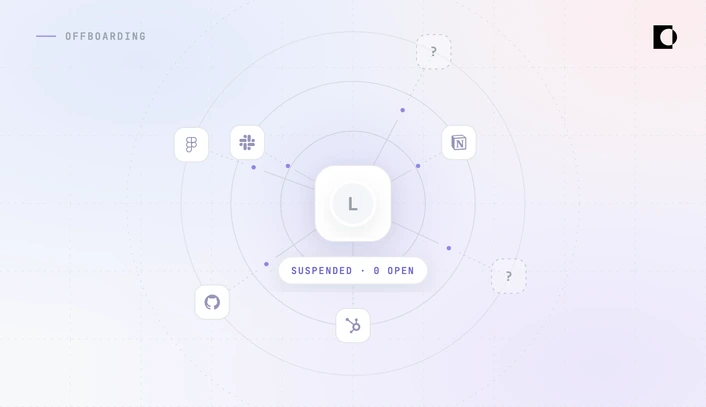
- Suspending a Google account does not remove accounts inside third-party apps, especially accounts created with a work email and password.
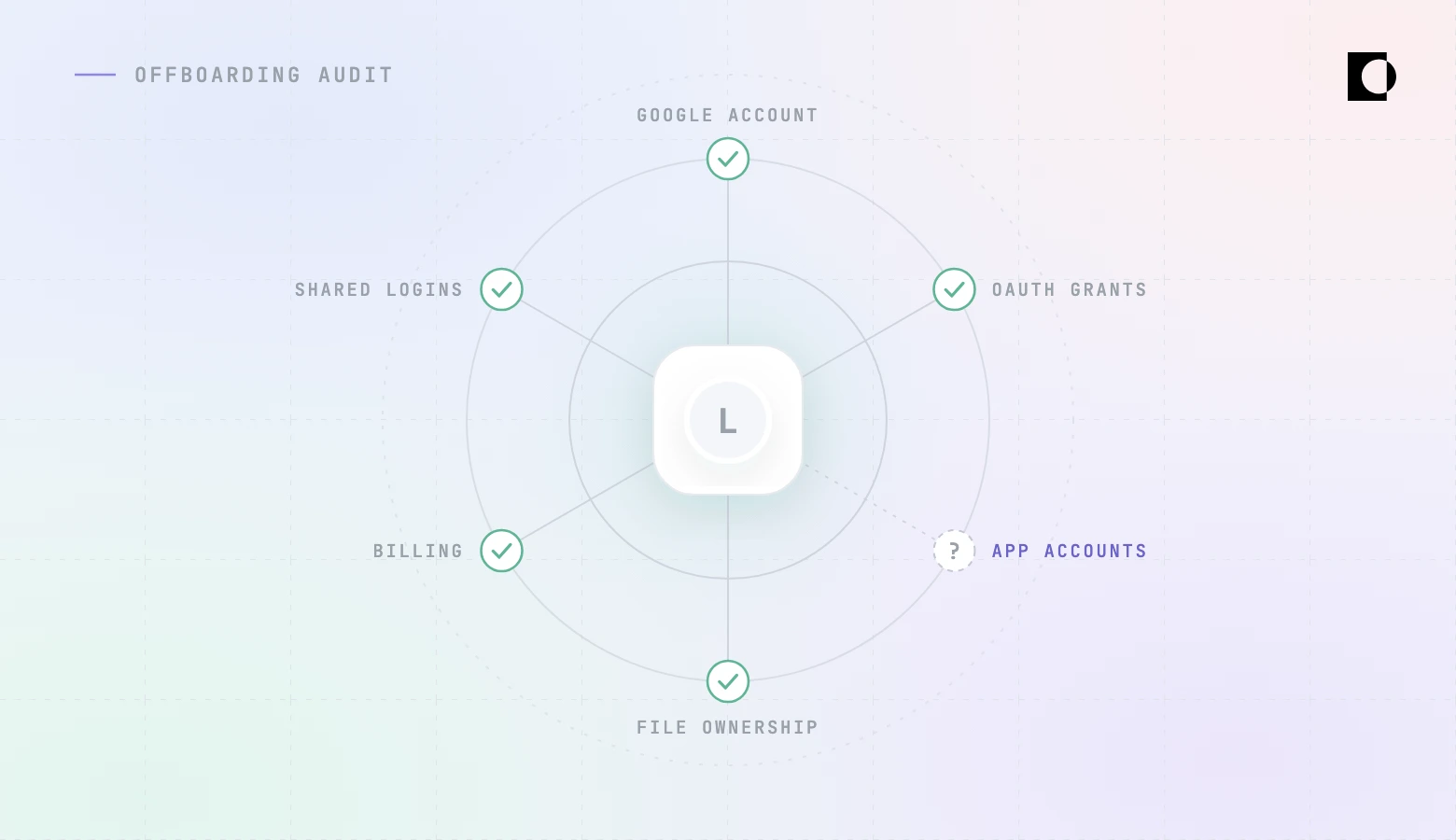
- Audit every place access can persist: Google identity and groups, OAuth grants, app-level accounts, data ownership, billing and shared credentials.
- SOC 2, ISO/IEC 27001, NIST SP 800-53 and CIS Controls all expect evidence that leaver access was actually removed.
- Run the audit within a few weeks of departure, before the account is deleted, and store the exports.
About the Author: This guide was written by the ShiftControl team. Our founders scaled IT at ExpressVPN and now build access and offboarding tooling for companies with no IT department.
What is a post-exit access audit?
The post-exit audit is the verification stage of offboarding. It answers one question: can this former employee still reach anything?
It belongs to identity lifecycle management, the practice of managing a person’s access from joining, through role changes, to leaving. Most teams treat the leaver stage as finished once a checklist is ticked. A stricter standard treats it as finished only when evidence shows no residual access remains.
| Offboarding checklist | Post-exit audit | |
|---|---|---|
| Purpose | Tell people what to do | Prove what was done |
| Timing | On or before the last day | Days to weeks after exit |
| Evidence | Ticked boxes | Logs, exports, admin screenshots |
| Catches | Forgotten steps | Steps marked done that did not work |
Why does access survive after the Google account is suspended?
The audit is necessary because people gain access to apps in several separate ways, and suspension shuts off only one of them.
Think of suspending a Google account as disabling a building badge. Any door that checks the badge locks immediately. Rooms with their own key cylinder, where the employee was handed a separate metal key, stay open until someone changes that lock. In software terms:
- Sign in with Google / SSO apps: new logins fail. The account record inside the app usually remains until someone deactivates or deprovisions it.
- OAuth grants: third-party apps the person authorized may hold permissions to Workspace data. These should be reviewed and revoked.
- App-local accounts: accounts created with a work email and a password are not tied to Google’s sign-in layer. They are the separate metal keys.
- Shared credentials: any login shared through a team vault still works until the password is rotated.
- Billing: a paid seat can keep charging long after the person has gone.
What should a post-exit audit check?
The audit needs one row for each place access can persist. Use this as a user access review template for every leaver:
| Area | What to verify | Evidence source |
|---|---|---|
| Google identity | Account suspended, admin roles removed | Admin and Login audit logs (Admin SDK Reports API) |
| Groups and mail | Removed from groups, aliases and delegations | Admin audit log, group export |
| Third-party grants | OAuth tokens for apps they authorized are revoked | OAuth Token audit log |
| SSO apps | Account deactivated in each app | App admin panel or provisioning log |
| App-local accounts | Email-and-password accounts found and removed | App owner sign-off |
| Data ownership | Drive files transferred, mail handled per policy | Data transfer record |
| Billing and secrets | Seats reclaimed, shared passwords rotated | Invoices, password manager audit log |
How do you run a post-exit audit step by step?
What remains is getting the order right, because some steps cannot be undone later.
- Capture a baseline before suspension. Export the apps, groups and grants the person held. Without a “before” list you have nothing to audit against.
- Confirm the Google layer. Check the Admin and Login audit logs for suspension and for any sign-in attempts after the exit date.
- Review OAuth grants. Use the OAuth Token audit log to see which apps the person authorized, then revoke anything still active.
- Walk every non-Google app with its owner. Ask each owner to search the app’s user list for the person’s email address, including accounts created outside SSO.
- Transfer Google Drive ownership before deletion. Files in a user’s My Drive are removed with the account unless they are transferred first. Google Workspace admins can transfer them to another user from the Admin console. Check shared drive membership separately.
- Reconcile billing. Match active seats against the leaver list and reclaim unused licenses.
- Sign off and archive. Save the exports with dates and the reviewer’s name.
Step 1 is the one to get right first. If you have no baseline, the audit can only report what you already know about.
Which compliance frameworks expect proof of access removal?
Auditors care because most frameworks treat leaver access as a control you must evidence:
- SOC 2: Common Criteria CC6.2 and CC6.3 cover granting, modifying and removing access.
- ISO/IEC 27001: Annex A 5.18 (access rights) and A 6.5 (responsibilities after termination or change of employment).
- NIST SP 800-53: control PS-4, personnel termination.
- CIS Controls: Control 6, access control management.
- HIPAA Security Rule: 45 CFR 164.308, administrative safeguards.
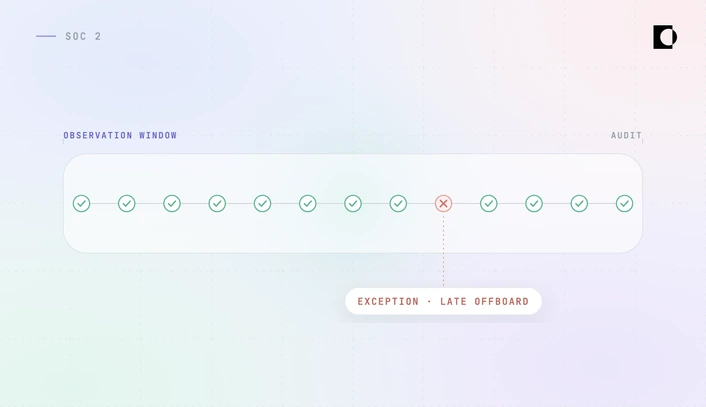
In a typical audit, the auditor samples recent leavers and asks for proof. Timestamped system exports hold up much better than a spreadsheet of ticks, because they show the change happened in the system.
How can a team without an IT department run this audit?
Someone has to own the audit. In small companies that is usually a COO, head of people or founder, and no dedicated IT hire is required if the evidence is already gathered in one place. ShiftControl approaches it this way:
- When your HR system sends a termination date, ShiftControl suspends the Google account on that date and turns every other app into a task for its owner.
- Permissions Insights shows each app connected to Workspace and the OAuth scopes it holds, and lets you block third-party apps.
- ShiftControl shows SaaS cost by employee once cost data is entered, so you can see which seats a leaver still holds.
- ShiftControl lets you reclaim Google Workspace licenses from suspended accounts in bulk.
- Every access change made in ShiftControl is logged with who made it. App assignment and authorization history exports to CSV, Excel or JSON.
There are honest limits. Accounts created with an email and password still need the app owner to reconcile them, and logs cover changes made in ShiftControl.
Frequently Asked Questions
How soon after departure should the audit run?
Within the first few weeks, and always before the Google account is deleted, so data can still be transferred.
Does deleting the Google account remove access to every app?
No. Accounts inside third-party apps, especially those created with a password, need separate removal.
How do I transfer Google Drive ownership when someone leaves?
Use the data transfer option in the Google Admin console to move My Drive files to another user before or during deletion.
Who should own the audit without an IT team?
One named operator coordinates it, and each app owner signs off on their own app.
What counts as good audit evidence?
Dated exports from Google audit logs, app admin panels and your access platform, stored with reviewer sign-off.
Does ShiftControl include a password manager?
No. It works alongside third-party managers such as 1Password. Rotate shared credentials there as part of the audit.
About ShiftControl
ShiftControl is an IT operations and SaaS management platform purpose-built for Google Workspace, designed for operators running IT without an IT department. It brings provisioning and access, SaaS spend management, app-permission visibility and cyber incident response (IR-1 via Blackpanda, included in annual Core and Enterprise plans) into one platform: everything you need for your business’s size. Setup takes about 30 minutes through a single Google Workspace login. ShiftControl is SOC 2 Type 2 compliant, ISO 27001 certified and signed the CISA Secure by Design Pledge in 2024.
If your last leaver audit relied on memory and a spreadsheet, see how ShiftControl gathers the evidence at shiftcontrol.io.
Get started
Experience SaaS management as it should be: straightforward management and robust security with ShiftControl.
Start free trial