Learn
8 Access Provisioning Terms Explained for People Teams Running IT on Google Workspace

Updated: Nov 23, 2026
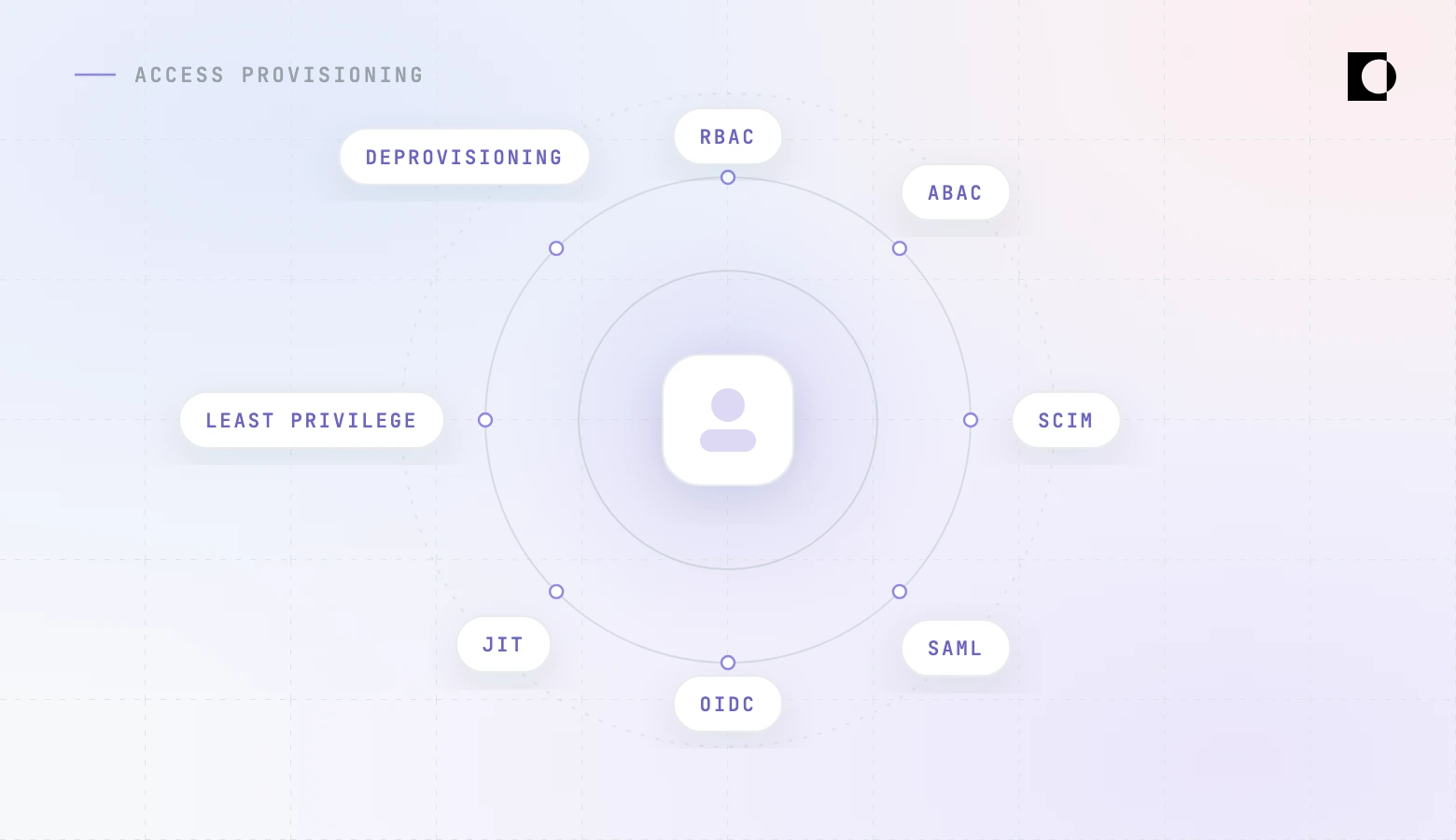
Access provisioning is the process of granting, adjusting and removing a person's access to accounts and apps as they join, change roles and leave. For People teams running IT on Google Workspace, eight terms cover almost every decision: access provisioning, identity lifecycle management, role-based access control, least privilege access, SCIM, SAML vs OIDC, just-in-time provisioning and deprovisioning. ShiftControl's founders scaled IT at ExpressVPN, and one lesson shapes this guide: each term is simple on its own, and access usually leaks in the handoffs between them. When your HRIS drives the whole cycle, most of those handoffs are automated.
TL;DR
- Provisioning spans joiners, movers and leavers. The mover stage is where access quietly builds up.
- Role-based access control, set up as Google Groups, covers most growing companies.
- SCIM creates and removes app accounts automatically. SAML, OIDC and just-in-time provisioning handle sign-in and account creation, and none of them removes anything on its own.
- Suspending a Google account blocks SSO sign-ins and leaves the person’s accounts in third-party apps intact.
About the Author: This guide comes from the ShiftControl team. ShiftControl is a SaaS management platform purpose-built for Google Workspace, for heads of people, COOs and office managers who run IT without an IT team.
What does access provisioning actually mean?
Access provisioning is the first link in the cycle described above. It means giving each person the accounts and permissions their job needs, then changing or removing them as the job changes. The narrower user provisioning definition covers only creating a user identity and its accounts. People teams handle the broader version, which on Google Workspace includes:
- Creating the Google account and enforcing MFA
- Adding the person to Google Groups for drives, calendars and mailing lists
- Assigning SaaS seats and setting permission levels inside each app
People teams start with one advantage: the HRIS already holds the start date, department, manager and location that provisioning needs. If the HRIS triggers provisioning, manual IT requests only come up for exceptions.
What is identity lifecycle management, and where does it break?
Identity lifecycle management applies provisioning across an employee’s whole tenure, in three stages:
- Joiner: access is ready before day one
- Mover: access changes after a promotion, transfer or relocation
- Leaver: access is removed when employment ends
The mover stage fails most often, for a simple behavioral reason. People ask for the new access they need, so it gets added quickly. Nobody asks to lose old access, so it lingers. After a few role changes, a long-tenured employee can reach far more than anyone intended. The fix is to have each HRIS change update group membership in both directions. ShiftControl updates Google accounts and groups on the next HR sync after a department, title or location changes in a connected HRIS.
How does role-based access control work, and how do RBAC vs ABAC compare?
Once the lifecycle is mapped, you need a rule for who gets what. Role-based access control (RBAC) grants access by role. Attribute-based access control (ABAC) evaluates several attributes together, such as department, location, employment type or device.
| RBAC | ABAC | |
|---|---|---|
| Decides on | Role or group | Combination of attributes |
| Example | Sales gets the CRM | Full-time Sales in Singapore gets the CRM on a managed device |
| Effort | Low | Higher, and harder to audit |
Our view is that RBAC built on Google Groups covers most needs for companies on Google Workspace. Add an attribute such as location only when a real rule requires it, for example a country-specific payroll tool.
How does least privilege access work in practice?
Roles decide which apps someone gets. Least privilege access decides how much power they hold inside each one, so every account carries only the permissions the job requires.
- Default new users to member or viewer
- Limit Google Workspace Super Admin roles to a named few
- Grant elevated access for a specific task, then remove it
- Run regular access reviews
Auditors check for exactly this. SOC 2 asks for logical access controls and regular access reviews. ISO 27001:2022 expects access rights to be provisioned, reviewed, modified and removed in line with an access control policy.
What is SCIM, and what if an app does not support it?
After roles and privilege levels are set, something has to carry those decisions into each app. That is what SCIM (System for Cross-domain Identity Management) does. It is an open standard that lets an identity source create, update and deactivate accounts in an app automatically through a shared API.
The weak point is coverage, because many apps do not support SCIM. For those apps, your options are a direct integration, a task with a deadline assigned to the app owner or a written manual step. ShiftControl creates an owner task for every non-Google app, so nothing depends on memory.
What is the difference in SAML vs OIDC?
A related question is how people sign in once their accounts exist. Single sign-on (SSO) lets one identity, such as a Google account, open many apps. SAML and OIDC are the two main protocols behind it.
| SAML | OIDC | |
|---|---|---|
| Built on | XML assertions | OAuth 2.0 with JSON tokens |
| Common in | Established business SaaS | Modern web and mobile apps |
Usually the app decides which protocol you use. What you need to understand is the limit of SSO itself. It works like a building’s front-door badge. Deactivate the badge and nobody gets through the front door again. Anyone who already holds a key to an inside room, such as a password-based account or an active session, can still get in. In the same way, suspending a Google account stops new SSO sign-ins but leaves the person’s account inside the third-party app.
What is just-in-time provisioning, and when is it risky?
Just-in-time provisioning depends on SSO. An app creates the account automatically the first time someone signs in, using details passed in the SAML or OIDC sign-in. You skip pre-creating accounts and avoid paying for seats nobody uses yet.
The risk is that this automation only works one way. JIT creates accounts but does nothing when people leave, so the account and often its paid seat remain until someone removes them. Pair JIT with SCIM where the app supports it, or with an owner task at offboarding.
What belongs on an employee offboarding checklist?
Every term above leads to deprovisioning, the stage where gaps become real exposure. A practical employee offboarding checklist for Google Workspace:
- Trigger offboarding from the HRIS termination date
- Suspend the Google account and sign the user out of active sessions
- Transfer Drive files and calendar ownership
- Remove group memberships
- Revoke OAuth tokens held by third-party apps
- Have app owners deactivate non-SSO and JIT accounts
- Reclaim paid licenses
- Log who completed each step, and when
When your HR system marks someone as having left, ShiftControl suspends their Google Workspace account and removes their groups on the next sync, turns every other app into a task for its owner and logs each change it makes.
Frequently Asked Questions
Is SSO the same as provisioning?
No. SSO controls how people sign in. Provisioning controls whether an account exists and what it can do.
Do small companies need RBAC?
Yes, in its simplest form: department-based Google Groups mapped to apps.
Is suspension the same as deprovisioning?
No. Suspension blocks the Google sign-in. Deprovisioning removes access everywhere, including accounts in every other app.
Does JIT provisioning remove accounts?
No. It creates them without removing them on departure.
Can a People team run provisioning without an IT hire?
Yes, as long as the HRIS drives the process and app owners handle the exceptions.
About ShiftControl: Who Is Behind This Guide?
ShiftControl is IT built for operators, not IT teams, and purpose-built for Google Workspace. It gives growing companies the access control a large company has without the complexity or cost, and no dedicated IT hire is required. One platform covers provisioning and access, SaaS spend management, app-permission visibility and incident response, with Blackpanda’s IR-1 incident response on annual Core and Enterprise plans. Setup takes about 30 minutes through a single Google Workspace login. ShiftControl is SOC 2 Type 2 compliant, ISO 27001 certified and signed the CISA Secure by Design Pledge in 2024. Pricing is public, with a standard per-user price and a separate startup tier.
To see how these eight terms apply to your own Workspace, explore how ShiftControl handles it at shiftcontrol.io.
Get started
Experience SaaS management as it should be: straightforward management and robust security with ShiftControl.
Start free trial