Guide
Managing Google Workspace Users Across Offices and Time Zones Without a Local Admin

Updated: Nov 20, 2026
You can manage Google Workspace users across several offices and time zones without a local admin. It takes three moves: make your HR system the single source of truth for each person's location and role, turn that data into rules that assign groups and apps automatically, and split admin rights by job instead of by geography. ShiftControl's founders learned this running IT at ExpressVPN as it grew from 100 to 700+ employees across 7 global offices. ShiftControl, a platform purpose-built for Google Workspace, packages that approach for companies with no dedicated IT team.
TL;DR
- A local admin mostly holds context. Move that context into HR data and rules, and the role becomes unnecessary.
- Use Google Workspace organizational units for policy differences and groups for access. Avoid one OU per office by default.
- Automated user provisioning removes the dependency on someone being awake in the right time zone.
- Delegate narrow admin roles by function (HR, finance, auditors) and route access requests through approvals.
- Offboarding should trigger from the HR termination date, with a logged record of every change.
About the Author: This guide comes from the ShiftControl team, whose founders ran IT at ExpressVPN across 7 global offices. ShiftControl is headquartered in Singapore and serves Google Workspace customers across Southeast Asia, Europe and the Americas.
Why is Google Workspace user management harder across multiple offices?
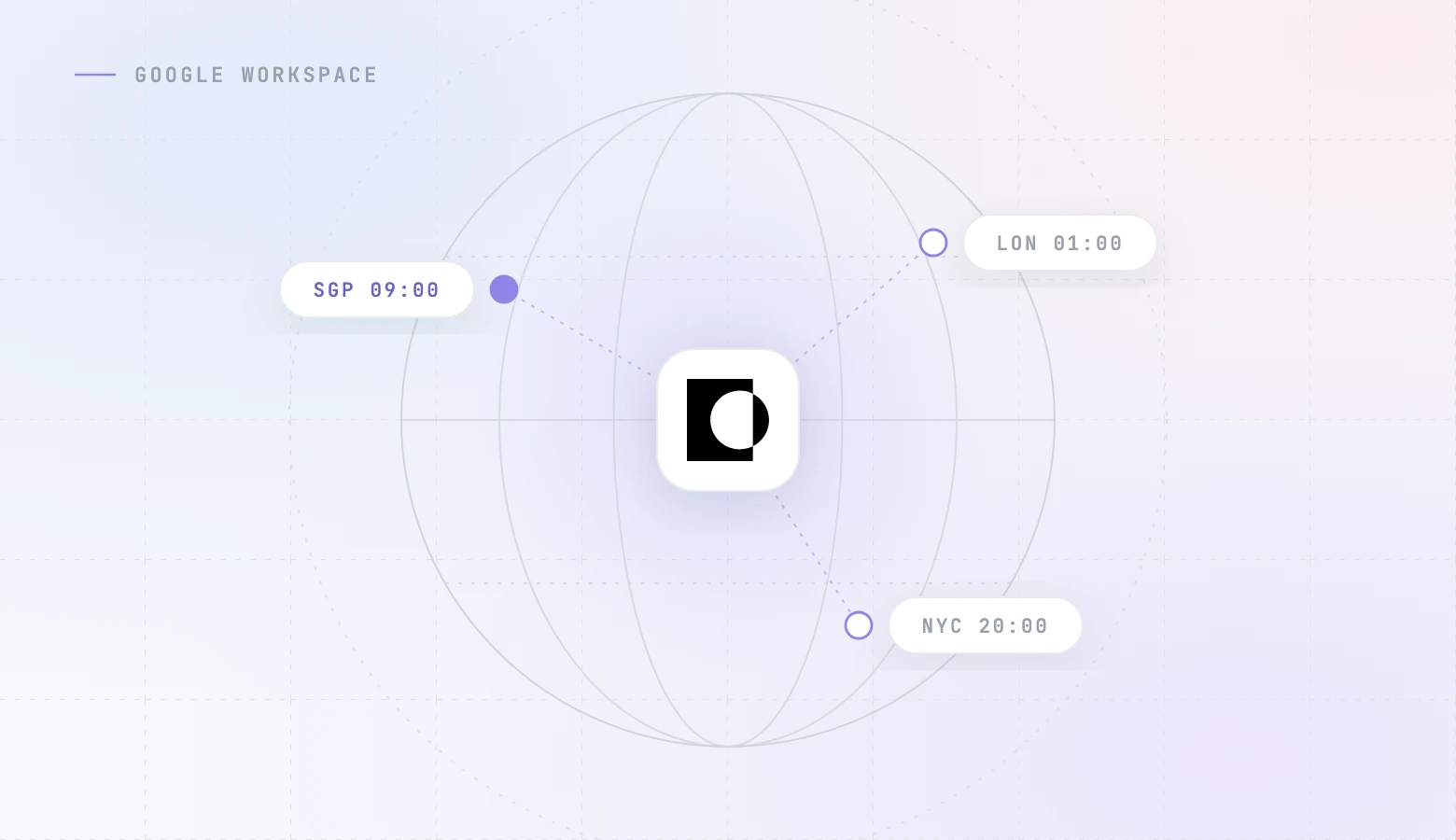
Multi-office user management means keeping every account’s access, policies and lifecycle correct when the people who request, approve and carry out changes sit in different cities and work different hours. The hard part is the handoff. A 2023 Microsoft Research study of 20 million meetings at Microsoft found that cross time zone meetings cluster in early morning and late evening hours, which clash with employees’ stated preferences. When nobody can meet at a good hour, handoffs wait.
In IT, that delay shows up as:
- Day-one gaps: a hire in one office starts before anyone in head office has created their account.
- Drift: each office develops its own habits for naming, groups and app access.
- Offboarding lag: a leaver keeps access overnight because the only admin is asleep.
- Lost context: the person who “just knew” which apps the sales team needs leaves, and that knowledge goes with them.
The fix is to move that context into data, where anyone, in any time zone, can rely on it.
What does the Google Workspace admin console handle natively?
The Google Workspace admin console gives you four building blocks, and any approach without a local admin should build on them rather than around them.
| Native tool | What it does | Best use across offices | Watch out for |
|---|---|---|---|
| Organizational units | Hierarchical containers; each user sits in exactly one | Real policy differences (e.g. contractors vs staff) | An OU per office multiplies near-identical policies |
| Groups (including dynamic groups) | Membership, which can update from attributes like location or department | Access to apps, shared drives and mailing lists | Only as accurate as the attribute data behind them |
| Google Workspace admin roles | Prebuilt and custom roles, which can be scoped to OUs | Delegating narrow rights | Too many Super Admins |
| Google Workspace audit logs | Records admin and user activity | Investigating what changed | Shows the action, rarely who approved it or why |
Our opinion: use OUs for policy, groups for access, and let location be an attribute on the user rather than a branch of your OU tree. Every OU you add is another set of settings someone must keep in sync.
The main native gap is the trigger. Google Workspace does not include direct HR-driven provisioning workflows without third-party tools, so someone still has to tell Google that a person joined, moved or left. The Google Workspace admin console is built for occasional tasks rather than daily IT operations, which is the gap that matters most when you have offices in several time zones.
How does automated user provisioning replace a local admin?
Automated user provisioning means accounts, groups and app access are created, changed and removed by rules that react to data, usually from the HR system. Think of the difference between a person who turns the heater on and a thermostat. The person has to be in the room and awake. The thermostat acts the moment the temperature crosses a set point, at 3 a.m. or noon. Rules work the same way: when HR data changes, access changes, so the admin’s time zone stops mattering.
A practical rollout:
- Make the HRIS the source of truth for department, title and location.
- Standardize location values so each office has one consistent name.
- Write a baseline rule for apps every employee gets, then layer rules by location and department.
- Decide what happens to apps outside Google, including who owns each one.
- Pilot with one office’s next hire before switching everyone over.
- Review drift monthly, looking for manual exceptions that should become rules.
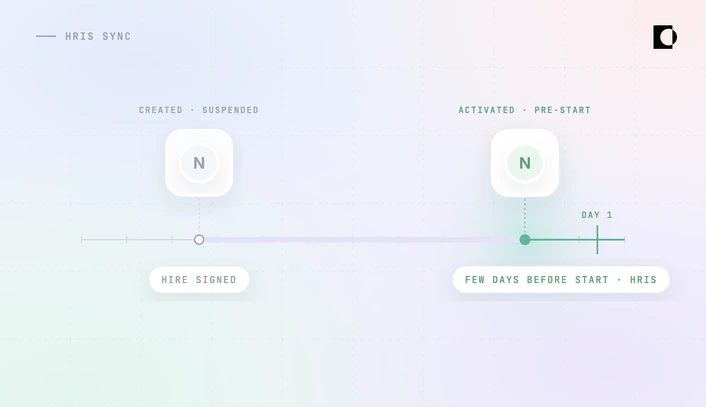
ShiftControl follows this pattern. The HRIS creates the Google account with department, title and location filled in. A location change in the HRIS updates Google the same day, groups included. Accounts can activate a few days before the start date with no early welcome email, which helps when a hire starts on a Monday morning in an office where it is still Sunday at head office. As Ed Bosher, CTO of Arena Entertainment, puts it: “In minutes I’m able to create all the rules and groups we need to make sure our employees have access to everything they need.”
How should Google Workspace admin roles be split when nobody sits in every office?
Once rules handle routine changes, the next question is who may change the rules and approve exceptions. Split rights by function:
- Two Super Admins, maximum, ideally in different time zones for break-glass cover.
- HR or people ops owns the data that drives provisioning.
- Finance sees costs and renewals without touching access.
- Auditors get read-only visibility.
- Office leads approve requests rather than holding admin rights themselves.
Making each office manager an admin of “their” OU feels efficient. In practice it recreates drift. A request-and-approve flow gives local teams speed without giving them the keys. In ShiftControl, requests route to the manager, then the app owner, then a default admin. The Finance admin role can’t reach users, groups or access settings, and a read-only role gives auditors visibility with no write access.
How do you offboard safely when HR and IT are hours apart?
Offboarding is where time zones cause the most damage, because every hour a leaver keeps access is an hour of exposure. The safest pattern ties suspension to the termination date in the HRIS so nobody has to be online.
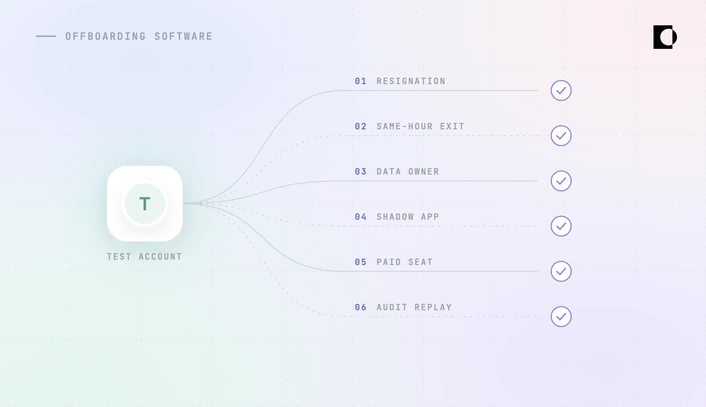
- Suspend the Google account automatically on the termination date.
- Remove groups and app access in the same action.
- Turn apps outside Google into tasks for named owners.
- Reclaim licenses from suspended accounts.
- Keep a record of what changed, when, and who or what made the change.
Google Workspace audit logs cover activity inside Google. ShiftControl adds a log of every access change made through the platform, recording who or what made it. Together they let an auditor or an investigator answer “who approved this?” without chasing three offices by email.
Where does a SaaS management platform fit for distributed teams?
A SaaS management platform pulls the scattered jobs of running IT into one place. For multi-office companies, that consolidation replaces the local admin’s mental map. Without one, most teams juggle four tools and a spreadsheet for four separate jobs:
- Provisioning and access: HR-driven onboarding, role changes and offboarding.
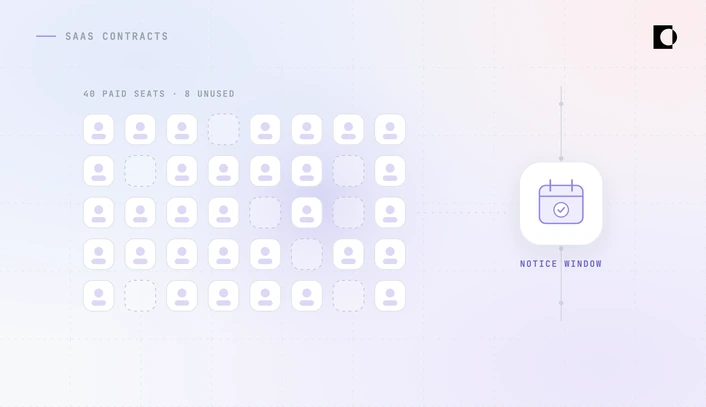
- SaaS spend management: cost per app, unused seats and renewals.
- App-permission visibility: which third-party apps can read mail, files and calendars.
- Incident response: expert help when something goes wrong.
ShiftControl covers all four, is built for operators rather than IT teams, and sets up in about 30 minutes through a single Google Workspace login. Cyber incident response (IR-1, via Blackpanda) is included on annual Core and Enterprise plans because ShiftControl treats security basics as a right, not a premium tier.
Frequently Asked Questions
Can one person manage Google Workspace users in several countries? Yes, if routine changes run on HR-driven rules. That person then handles exceptions and approvals, not every account.
Should I create one organizational unit per office? Usually not. Create OUs only where policies genuinely differ, and use location-based groups for access.
Does this work for a Google Workspace Singapore head office with teams elsewhere in Asia? Yes. Location becomes a user attribute, so a hire in another country gets the right groups without anyone in Singapore acting manually.
Do I need to hire IT staff? No dedicated IT team or hire is required. Founders, COOs and people teams commonly run this setup themselves.
What happens to apps that don’t sync automatically? Assign each one an owner. In ShiftControl, those apps become tasks for their owners during onboarding and offboarding.
Is ShiftControl certified? ShiftControl is SOC 2 compliant, ISO-aligned, and has signed the CISA Secure by Design Pledge. It supports your audit evidence; it does not make your company compliant.
About ShiftControl
ShiftControl is an IT operations platform purpose-built for Google Workspace, made for operators who run IT without the title. It connects your HR system, Google Workspace and team apps so provisioning and access, SaaS spend, app permissions and incident response are all in one place. The founders scaled IT at ExpressVPN across 7 global offices. Pricing is public, with a standard per-user price and a separate discounted startup tier.
Running offices in several time zones without a local admin? See how rule-based access could work for your team at https://shiftcontrol.io/.
Get started
Experience SaaS management as it should be: straightforward management and robust security with ShiftControl.
Start free trial