Guide
Run These 6 Test Exits Before Choosing Offboarding Software for Your Small Business

Updated: Nov 20, 2026
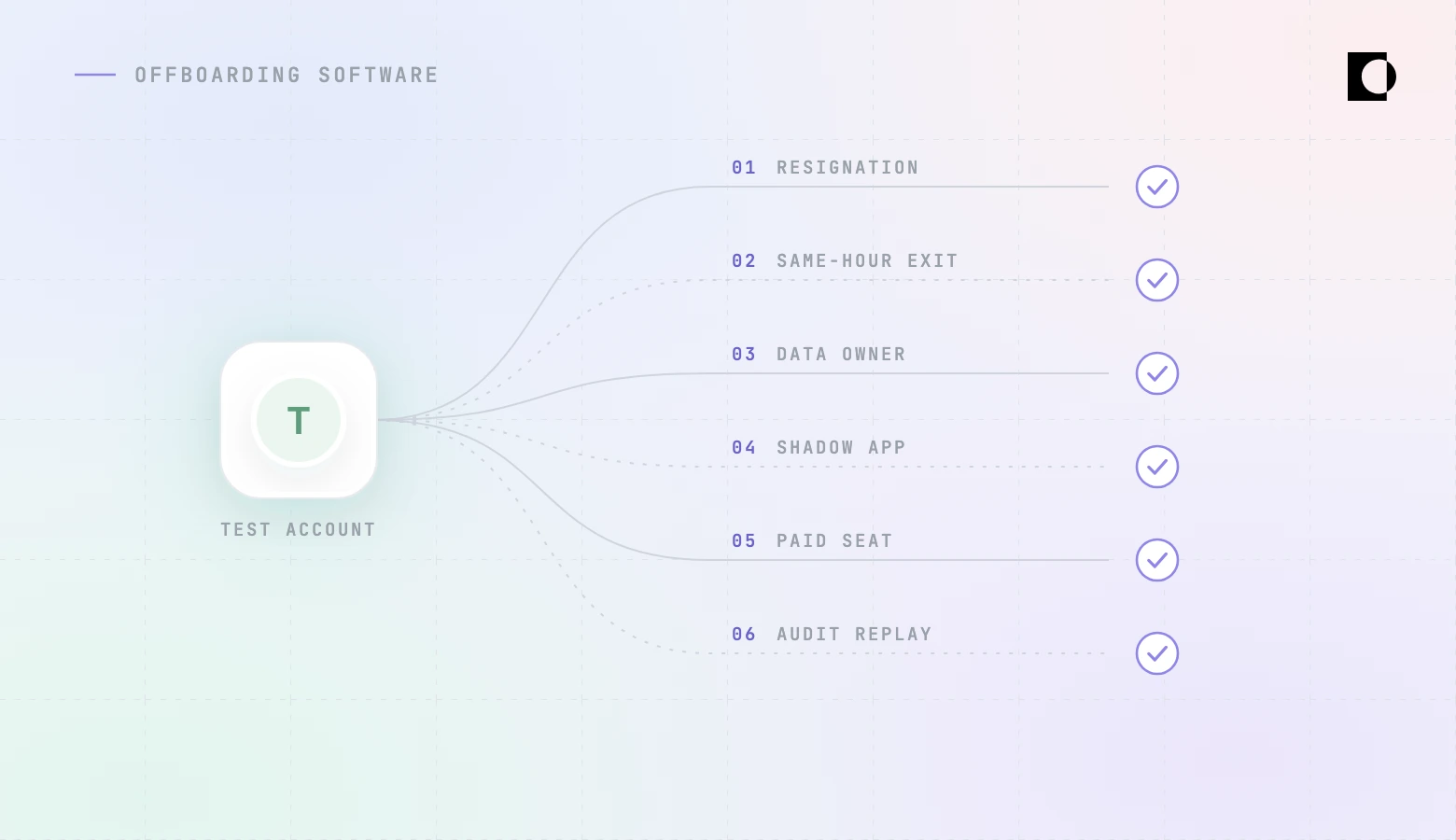
ShiftControl is built for operators, not IT teams. The platform gives companies the control a big company has, minus the complexity and cost. The fastest way to judge employee offboarding software is to offboard a fake employee with it. Give a test user a realistic footprint (shared Drive files, SaaS apps, a paid seat, an app they authorized themselves), then run six exits: a planned resignation, an urgent termination, a data owner leaving, a shadow-app user leaving, a paid-seat holder leaving, and an audit replay weeks later. A tool that passes all six will hold up when a real person leaves. ShiftControl's founders ran IT at ExpressVPN as it scaled from 100 to 700+ employees across 7 global offices, and they now build offboarding for small teams with no IT department.
TL;DR
- A demo shows the planned path. A test exit shows what happens on a bad day.
- Build one dummy account with a realistic footprint and run six exits against it.
- The weak spots are apps outside single sign-on, Drive files the leaver owns, and paid seats nobody reclaims.
- Demand proof afterwards: an exportable record of what changed, when, and by whom.
About the Author: Written by the ShiftControl team, operators who build an IT operations platform made for Google Workspace, for companies where no dedicated IT team or IT hire is required.
What is employee offboarding software, and why test it before buying?
Any test starts with knowing what you are testing. Employee offboarding software removes a departing person’s access, hands over the data they own, and frees their paid licenses. Ideally one event triggers all of it, such as a termination date in your HR system. Vendor roundups promise secure, efficient exits [google.com], and most tools look alike in a demo.
The differences show up in the mess small businesses actually have:
- apps joined through “Sign in with Google”
- apps with their own passwords
- files sitting in one person’s Drive
A test exit shows how a tool handles that mess before you pay for it.
How do you set up a safe test exit?
A test exit only tells you something if the dummy account resembles a real colleague. Using the vendor’s free trial:
- Create a test user in Google Workspace and add them to a department group.
- Make them the owner of a shared folder that other people edit.
- Assign two SSO apps, one app with a separate password, and one paid seat.
- Have them authorize a free third-party app with their Google account.
- Record the starting state in your IT offboarding checklist for comparison.
Which 6 test exits should you run?
With the dummy account ready, run each exit below. Before each test except the audit replay, use a fresh dummy account with the same starting access, or restore the account and its access and sign it back in. For the audit replay, use an account from an earlier test exit. Together they cover the full offboarding process for a small team.
Test 1: The planned resignation
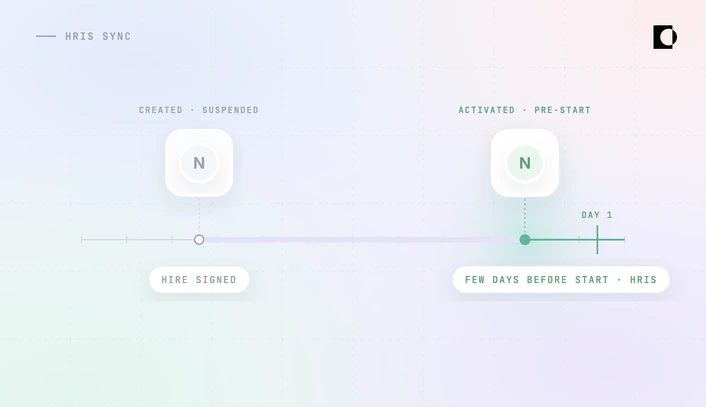
Set a termination date in your HRIS and change nothing else. On that date, the tool should suspend the Google account and remove group and app access with no admin action. If someone has to press a button, your offboarding depends on memory. In ShiftControl, an HRIS termination suspends the Google account on the termination date, with groups and apps included. Each non-Google app becomes a task for its owner.
Test 2: The same-hour termination
Next, revoke access while the test user is still logged in on a laptop and phone. Suspending a Google account works like deactivating a hotel keycard at reception. Doors stop opening, but a guest already in the room stays put. “Sign in with Google” is checked at login, so an app session issued earlier can keep running until it expires or someone ends it inside the app. A strong tool tells you which apps still need a manual sign-out.
Test 3: The data owner
Your test user owns files that others rely on. Check whether you can transfer Google Drive ownership to a manager as part of the exit. In Google Workspace, deleting a user can delete the files they own unless those files are transferred first, so the order of steps matters. Also check where mail sent to the old address ends up.
Test 4: The shadow-app user
The app your test user authorized on their own is the hardest case. A tool that only knows its own catalog can’t remove access it never saw. ShiftControl’s App Discovery lists every app anyone authorized through Google, what each app can read, and who uses it.
Test 5: The paid seat
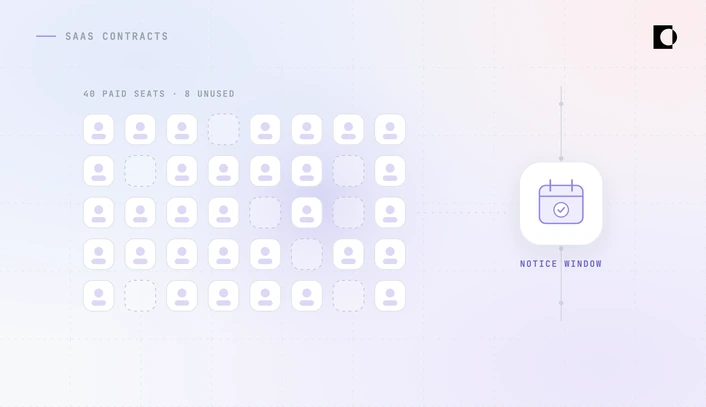
Check whether the seat was reclaimed or is still billing. Offboarding and spend control meet here. A SaaS management platform often catches what a standalone exit tool misses, because it tracks the license as well as the login.
Test 6: The audit replay
Weeks later, ask four questions: what the person had, what was removed, when it was removed, and who removed it. SOC 2 (Common Criteria CC6.2 and CC6.3) and ISO 27001 expect access to be removed when someone leaves, and auditors want evidence that it happened. The tool should export that history so you don’t have to rebuild it from memory.
How should you score the results?
Scoring turns six exits into a buying decision. Use this table as your vendor-facing employee offboarding checklist:
| Test exit | What you simulate | Pass | Red flag |
|---|---|---|---|
| Planned resignation | HRIS termination date | Access removed automatically | Admin must trigger it |
| Same-hour termination | Urgent revoke | Flags apps needing manual sign-out | Assumes Google suspension covers all |
| Data owner | Owned Drive files | Ownership transfer is part of the exit | Files orphaned or deleted |
| Shadow-app user | Self-authorized app | App found and revocable | App invisible |
| Paid seat | Licensed app | Seat flagged or reclaimed | Seat keeps billing |
| Audit replay | Evidence request | Exportable access history | Screenshots and spreadsheets |
A tool that passes tests 1 and 2 but fails 4 and 5 will look fine for months. Then it surprises you at renewal or during an incident.
What else separates good onboarding offboarding software for small teams?
The six tests cover the exit itself, but the employee exit process mirrors onboarding, so the same rules should drive both. If access is granted by department or role, removing someone from that group should remove the access too.
Two more checks matter:
- Who runs it. ShiftControl gives you the control a big company has, minus the complexity and cost.
- How many tools you end up with. One platform for the whole job covers provisioning and access, SaaS spend management, app-permission visibility, and incident response, replacing four tools and a spreadsheet.
Frequently Asked Questions
What is the difference between an offboarding checklist and offboarding software? A checklist lists the steps. Software performs them on a trigger and records what happened.
How quickly should access be revoked? SOC 2 and ISO 27001 expect access to be removed when someone leaves, and auditors look for evidence that it was. For involuntary exits, aim for the same hour.
How do I transfer Google Drive ownership when someone leaves? Transfer the leaver’s files to a successor before you delete the account. You can do this through the Google Admin console’s data transfer option or through your offboarding tool.
Should I suspend or delete a departed employee’s account? Suspend the account first. Delete it only after files and email have been handed over.
How long does setup take? ShiftControl setup takes about 30 minutes via a single Google Workspace login, with no implementation project.
About ShiftControl
ShiftControl is an IT operations and SaaS management platform made for Google Workspace, for companies where no dedicated IT team or IT hire is required. It connects your HR system and Google Workspace to automate onboarding and offboarding, show third-party app permissions, and track SaaS spend. Cyber incident response (IR-1, via Blackpanda) is included on annual Core and Enterprise plans. ShiftControl is SOC 2 compliant, ISO-aligned, and a signer of the CISA Secure by Design Pledge, and its pricing is public, with a standard per-user price and a separate discounted tier for eligible startups.
Run your six test exits on a ShiftControl free trial, or learn more at https://shiftcontrol.io/.
References
Get started
Experience SaaS management as it should be: straightforward management and robust security with ShiftControl.
Start free trial